



Go beyond distance
Launch angle and apex put your yardages in context. Compare the flight you create with different clubs, swings and contact quality.

CLUB REHAB / GOLF TECHNOLOGY
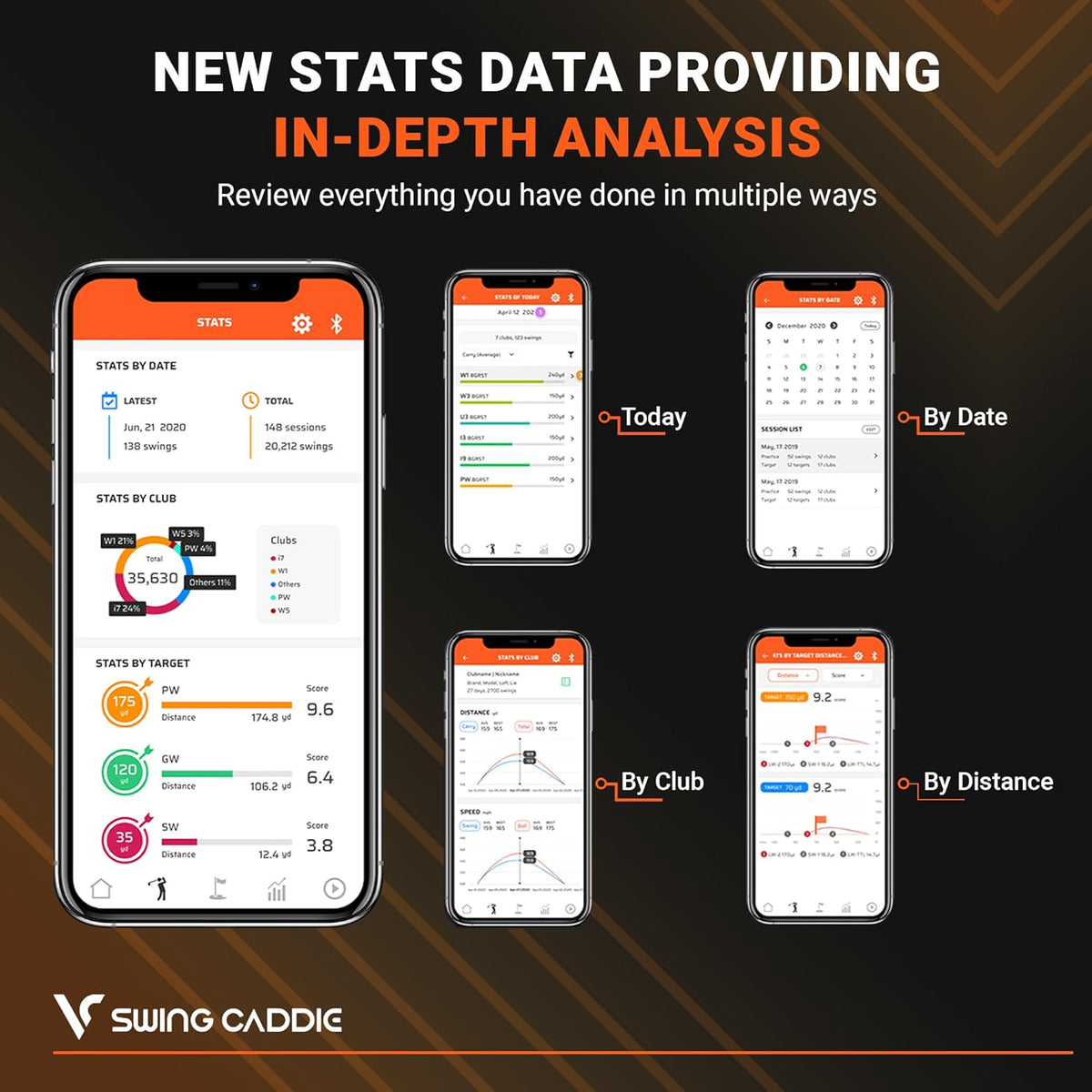
The SC300i adds a deeper layer to everyday distance practice. See how launch and height change from club to club, then use your session history to make the next bucket more deliberate.
Swing Caddie SC300i
DESIGNED FOR YOUR GAME
Launch angle and apex put your yardages in context. Compare the flight you create with different clubs, swings and contact quality.
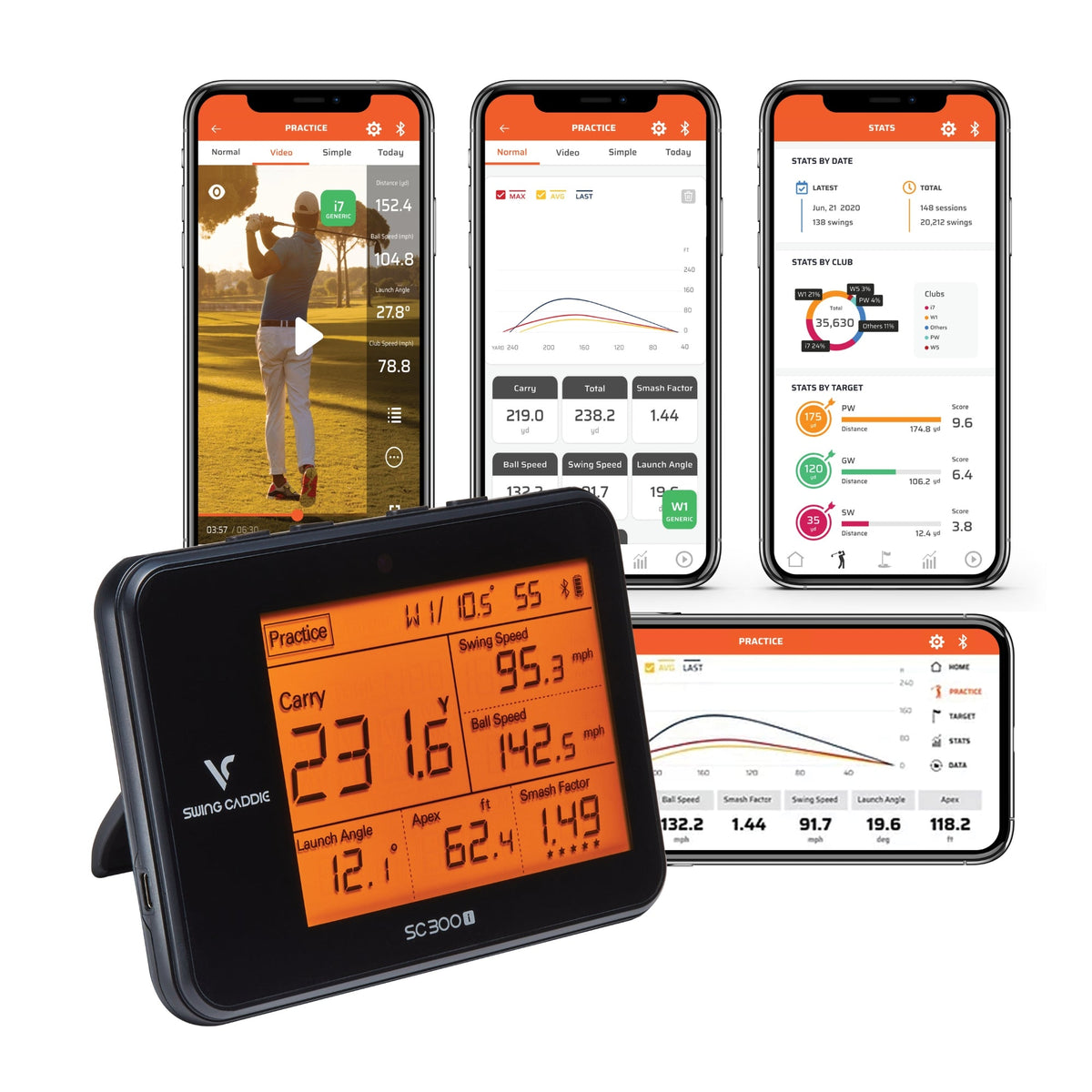
MySwingCaddie on iOS and Android adds real-time shot data, club statistics, history and swing-video tools. Spin data is available through the app.
Use the device on its own when you want a simple range session. Connect over Bluetooth when you want to review the pattern behind the numbers.

A CLOSER LOOK
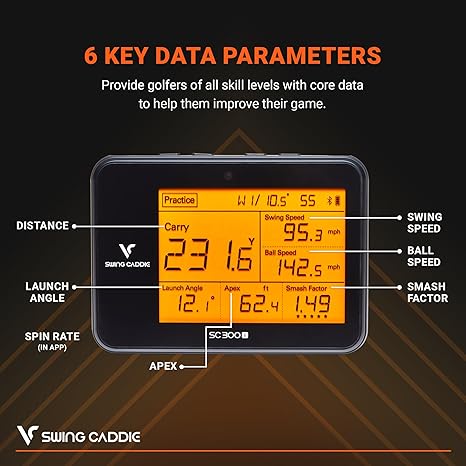
The orange LCD brings distance, speed, launch angle, apex and smash factor into a single glance. A remote and spoken distance feedback make club changes and shot checks easy without interrupting your routine.
THE TECHNICAL PROFILE
Model-specific specifications for Swing Caddie SC300i.
| Measurement system | K-band 24 GHz Doppler radar |
|---|---|
| Measurement range | 10–370 yards |
| Core data | Distance, swing speed, ball speed, smash factor, launch angle and apex |
| Spin data | Available in MySwingCaddie app |
| App / connection | MySwingCaddie; Bluetooth; iOS and Android |
| Power | Rechargeable lithium-polymer battery |
| Battery life | Up to 20 hours, depending on conditions |
| Dimensions | 6.5 × 4.7 × 1.1 inches |
| Weight | 15.4 oz |
| Manufacturer accuracy specification | Ball speed ±2%; carry distance ±3 yd in target mode / ±3% in practice mode |
| Operating temperature | 32–122°F |
| Placement | 5 feet behind the ball, level with the ball |
Battery figures and measurement ranges are manufacturer specifications. Actual performance varies with setup, conditions and use.
BEFORE YOUR FIRST ROUND
Place the monitor 5 feet behind the ball with the unit at the same level as the hitting surface. Align it to the intended flight line.
Select the correct club and loft, distance units, and carry or total display. Consistent settings make club-to-club comparisons more useful.
Pair with MySwingCaddie for session history and app-based spin data. This is a practice-analysis system; SC300i does not support E6 Connect or other simulator apps.
QUESTIONS, ANSWERED
Yes. The LCD display, voice distance output and remote support standalone practice. Bluetooth and the app add the connected analysis features.
No. Voice Caddie states that SC300i does not work with E6 Connect or other simulator apps. Choose SC4 Pro if compatible course simulation is a priority.
Voice Caddie lists the SC300i, remote, USB cable, USB cover and manual. A carry pouch is sold separately. Use a real golf ball; training or colored balls may affect readings.
THE RIGHT FIT
Connected practice + simulation
Advanced flight metrics, VoiceCaddie S and compatible course simulation.
Explore SC4 ProDeeper practice analysis
Launch angle, apex and MySwingCaddie history; no course-simulator support.
You’re viewing this modelStraightforward standalone practice
Core distance and speed data, four practice modes and no app pairing.
Explore SC200 Plus